Spreadsheet QC

Quality Control and Statistical Process Control with Excel

Overview

Spreadsheet QC is a collection of 15 Excel templates. The goal of Spreadsheet QC is to make statistical process and quality control more accessible by automating the main techniques in a familiar form, the spreadsheet. Spreadsheet QC is ideally suited for small operations which are just beginning to implement quality improvement programs because of its low cost and ease of use. It is also ideally suited for large operations to introduce quality control techniques for their workforce.

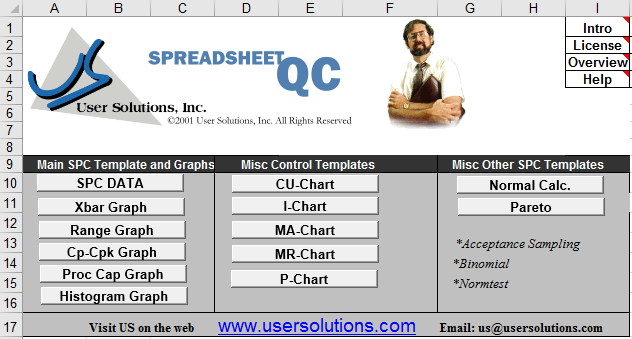
Spreadsheet quality control software with various graph templates
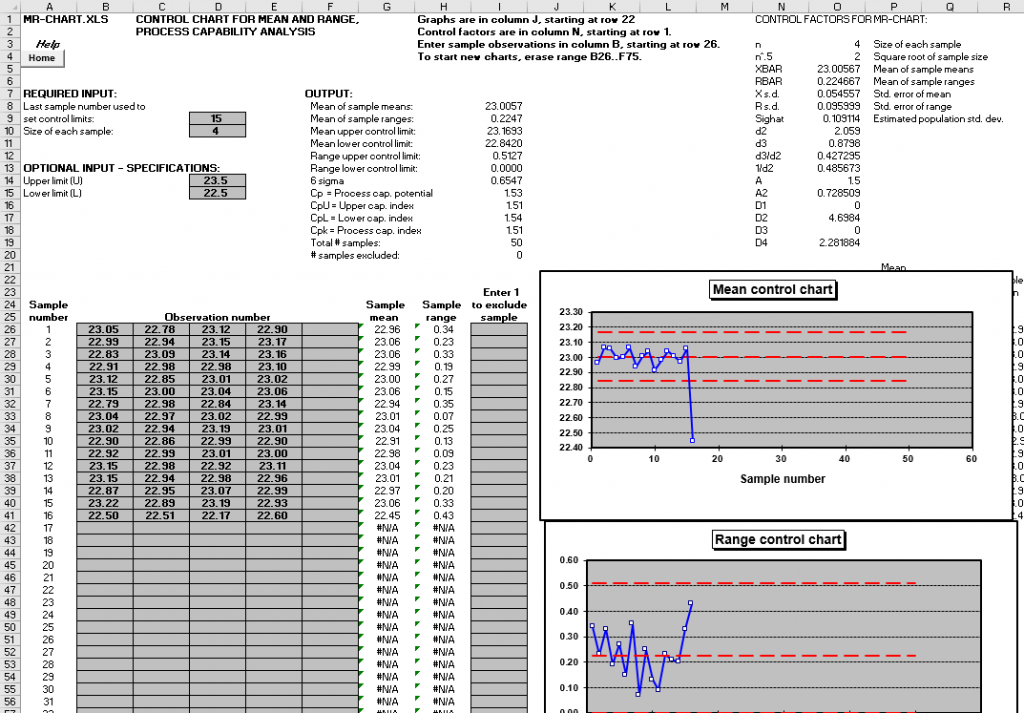
Control chart and process capability analysis spreadsheet

How It Works

Spreadsheet QC will help customers maximize their existing investment in software, hardware, and training. Using familiar spreadsheet menus, users simply input the data into spreadsheet cells and immediately obtain information that can be used to pinpoint and solve quality problems. For any data input, the user can enter in a simple number, an equation, enter a link back to another spreadsheet for desired data, or even read data from another system, all from within the familiar spreadsheet environment.

Applications

  • Control Charts: Seven different spreadsheets to do both R and X-Bar charts as well as process capability histogram for each sample.
  • P-Charts: Spreadsheet to do p-charts for variable sample size or fixed sample size with 3 sigma lines.
  • Acceptance Sampling: Specify sample size and max allowed defects for various sampling categories with pass/fail determination.
  • Process Capability: Enter histogram data and spec limits for graphical analysis with Cpk calculation.
  • Cumulative Sum Chart: More responsive to process shifts than traditional X-Bar charts.
Excel spreadsheet displaying a Pareto diagram with defect types
Let's Solve Your Challenges Together